Voice
Start A Voice Session
- Open Settings → Voice and choose the input device.
- Confirm that the microphone status is ready.
- Start voice mode from the agent chat.
- Review any action that pauses for approval on screen.
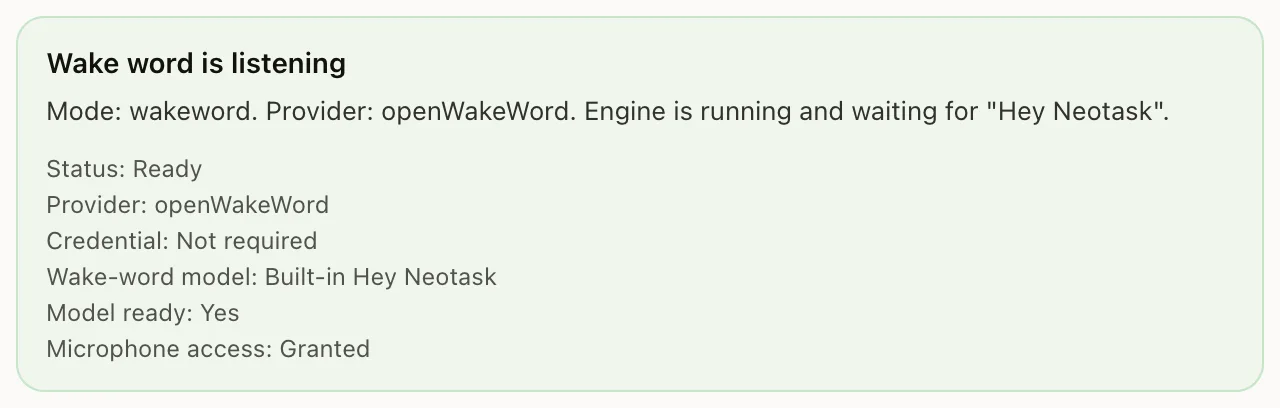
Overview
Neotask supports voice interaction through multiple systems: wake word detection, continuous voice conversation (talk mode), and text-to-speech for spoken responses.
Wake Words
Swabble (macOS)
Swabble is a native macOS daemon that provides always-on, on-device voice wake word detection using Apple's Speech.framework.
Features:
- Local-only processing, no audio leaves your device during wake word detection
- Customizable wake words
- Continuous audio capture and transcription
- Hook execution, triggers shell commands when the wake word is detected
- File transcription, convert audio files to text (TXT or SRT format)
- Configurable cooldown, minimum character count, and timeout
How it works:
- Swabble listens continuously using the system microphone
- When it detects the wake word in spoken text, it captures the following speech
- The captured text is sent to your agent via a configured hook command
- The agent processes the voice command and responds
Node Wake Words
On iOS and Android companion apps, voice wake is handled natively:
- Wake word configuration is owned by the Gateway
- Nodes receive wake word config on connect
- Detection uses platform-native speech recognition
Talk Mode
Talk mode enables continuous voice conversations, speak naturally and hear your agent respond.
How It Works
- Speech-to-Text, Your voice is transcribed in real-time (Deepgram streaming or platform-native STT)
- Agent Processing, The transcribed text is sent to your agent as a regular message
- Text-to-Speech, The agent's response is spoken back to you
Voice State Machine
Talk mode transitions between four states:
| State | Description |
|---|---|
| Idle | Not actively listening |
| Listening | Capturing and transcribing your speech |
| Thinking | Agent is processing your request |
| Speaking | Agent response is being spoken |
Text-to-Speech Providers
| Provider | Description |
|---|---|
| ElevenLabs | High-quality voice synthesis with voice selection |
| OpenAI TTS | OpenAI's text-to-speech API |
Voice Preferences
- Voice selection, Choose from available TTS voices
- Custom system prompt, Override the agent's personality for voice mode
- Custom response format, Control how the agent formats spoken responses
- Language support, Voice strings localized for 18+ languages
Voice Commands
Multi-Intent Detection
Agents can detect and execute multi-step voice commands:
"Create a calendar event for tomorrow at 3 PM, then send an email to the team about it, and post a reminder in Slack"
This is automatically parsed into a sequence of commands, each executed in order with the results flowing to the next step.
Tool Execution
The voice briefing keeps the current action, supporting context, and next steps visible while the session runs.
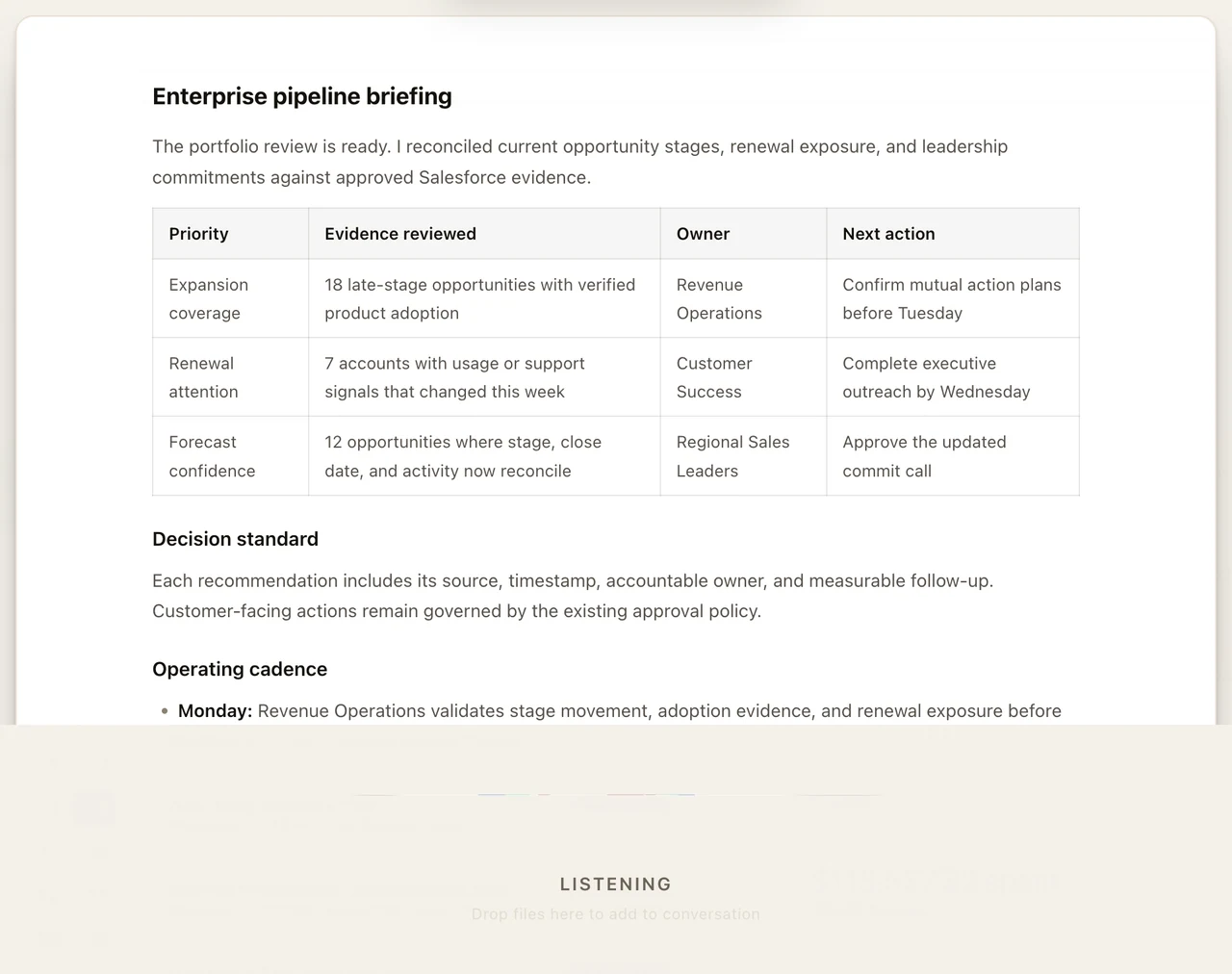
During voice conversations, agents can execute tools just like in text conversations, browse the web, run code, manage files, control devices, and more. Results are summarized and spoken back.
Action Truth Enforcement
Voice mode includes validation that agent claims match actual tool outcomes. If an agent says "I've sent the email" but the email tool failed, the system catches the discrepancy and reports the actual result.
Voice Calling (Plugin)
The Voice Call plugin adds SIP telephony support:
- Inbound call handling
- Outbound calls (provider-dependent)
- Real-time bidirectional audio (PCM streams)
- TTS synthesis injected into the call audio
Quota Management
Voice services may have usage quotas:
- Monthly minute allocation for TTS + STT
- Per-session tracking
- Warning at 80% usage
- Automatic cutoff at quota limit