Neotask Support
Include The Screen And Status
Open the affected product page before contacting support. Include the displayed status, the action you attempted, and the time it occurred.
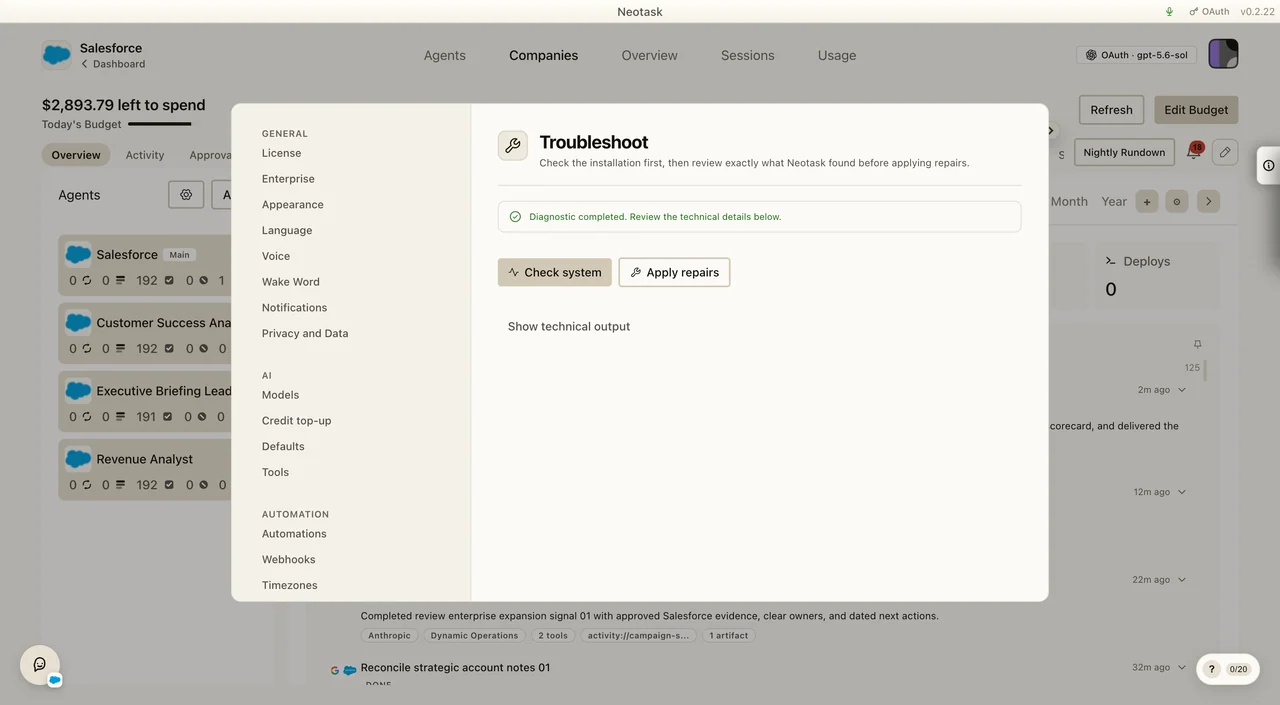
This page explains how support is organized and where to start.
Support Lanes
Neotask support is designed around the problem you are calling about, not around sales.
Guest support
Use guest support if you are not fully signed up yet or if you cannot access your account at all. This lane is for:
- signup and checkout issues
- payment or billing trouble before your workspace is active
- account creation problems
- questions about whether Neotask is the right fit
Member support
Member support is for active users, employees, and tenant-linked callers. This lane focuses on real product help:
- app setup and onboarding
- MCP app connection issues
- OAuth setup and reconnect flows
- login and workspace access
- billing and credits for active members
- teams, channels, and automation troubleshooting
Specialized member lanes
When available, support routes deeper into the right specialist lane:
- App setup and troubleshooting
- MCP auth and OAuth setup
- Billing and account access
- Teams, channels, and automation
- Company and enterprise admin support
Start Here
If you want one page that explains what the support phone system can do, start here:
If you want more detail after that, use these deeper pages:
How Caller Recognition Works
Member-only support is intended for recognized tenant or employee callers.
In practice, the safest support flow is:
- If your phone number matches a saved member or employee support route, support can continue in the member-only lanes.
- If your number is not recognized, support should keep you in guest support or collect enough information for a manual follow-up.
- If the issue is billing, sign-up, or access-before-activation, guest support can still help even when your number is not yet recognized.
If your number changed, support may need to verify your workspace another way before discussing member-only details.
What the router should do with that recognition
- Unrecognized callers stay in the guest lane.
- Recognized member or employee callers can enter the deeper support lanes.
- Ambiguous matches should stay in general support until the account context is confirmed.
- If the caller needs a deeper answer but the number is not recognized yet, support should create a case and send a follow-up instead of guessing.
What Support Can Help With
App setup
- installation questions
- first launch and gateway startup issues
- onboarding confusion
- microphone and voice-control setup
App connections
- managed OAuth connections
- manual OAuth app setup
- API key and credential entry
- custom MCP URL setup
- expired or broken auth sessions
Workspace and access
- account sign-in problems
- membership confusion
- workspace access after invite or ownership changes
- employee and company support routing
Billing
- failed checkout
- credit balance questions
- overage and auto top-up questions
- plan or invoice follow-up
Operations
- teams and agent routing
- channels not delivering
- scheduled automations not firing
- company task setup blockers caused by missing app auth
What Helps Support Resolve an Issue Fast
For an agent issue, open Overview and include the visible agent status and recent session. That gives support a precise starting point without requiring a full account export.
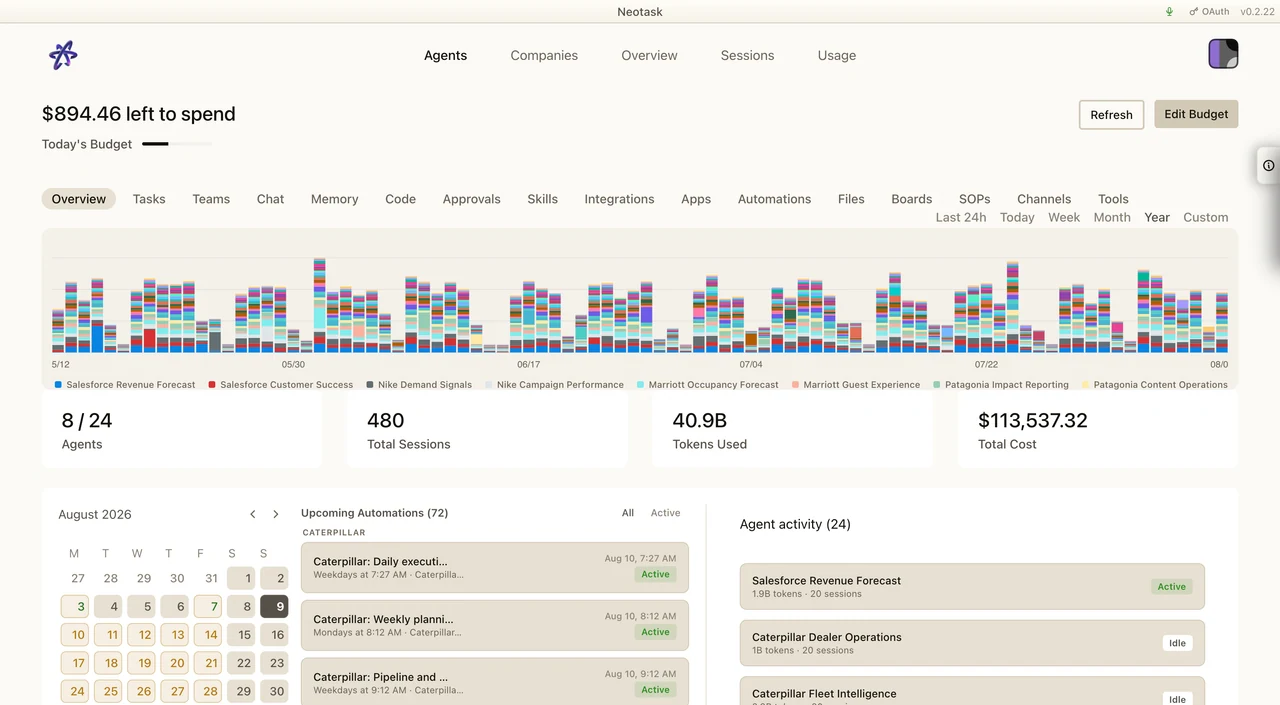
Before contacting support, gather as much of this as you can:
- the email address on the workspace
- the phone number tied to the workspace, if any
- the exact app or integration that is failing
- the status shown in the Apps tab
- the error message, if one is shown
- whether the problem is in a personal workspace, tenant, or company setup
- whether the failure happens during setup, reconnect, or live task execution
For OAuth issues, it is especially helpful to know:
- whether the provider opened a browser-based consent flow
- whether you were asked for a client ID and client secret
- whether the provider requires a custom instance URL
- whether the auth used to work and then later expired
For workspace and automation issues, support should also gather:
- which workspace or company is affected
- whether the failure is in a personal workspace, team workflow, or company automation
- whether the issue is about routing, approvals, scheduled jobs, or channel delivery
- whether the problem happens every time or only on a specific workflow
Best Entry Points
- Start with Account Access for login, membership, or billing-access issues.
- Start with MCP Auth & OAuth Setup for app connections.
- Start with App Setup Troubleshooting for installation, gateway, channels, and automation issues.